
If you’ve just bought an Apple Pencil, getting it connected to your iPad takes less than a minute. In this quick guide, I’ll show you exactly how to pair your Apple Pencil to your iPad, whether you’re using the 1st generation, 2nd generation, or USB-C model.
Not every Apple Pencil works with every iPad. Make sure your model matches:
Apple Pencil – Works with older iPads (Lightning port models).
Apple Pencil – Works with supported iPads that have a magnetic charging strip on the side.
Apple Pencil – Works with newer iPads featuring a USB-C port.
You can check your iPad model under:
Settings → General → About → Model Name
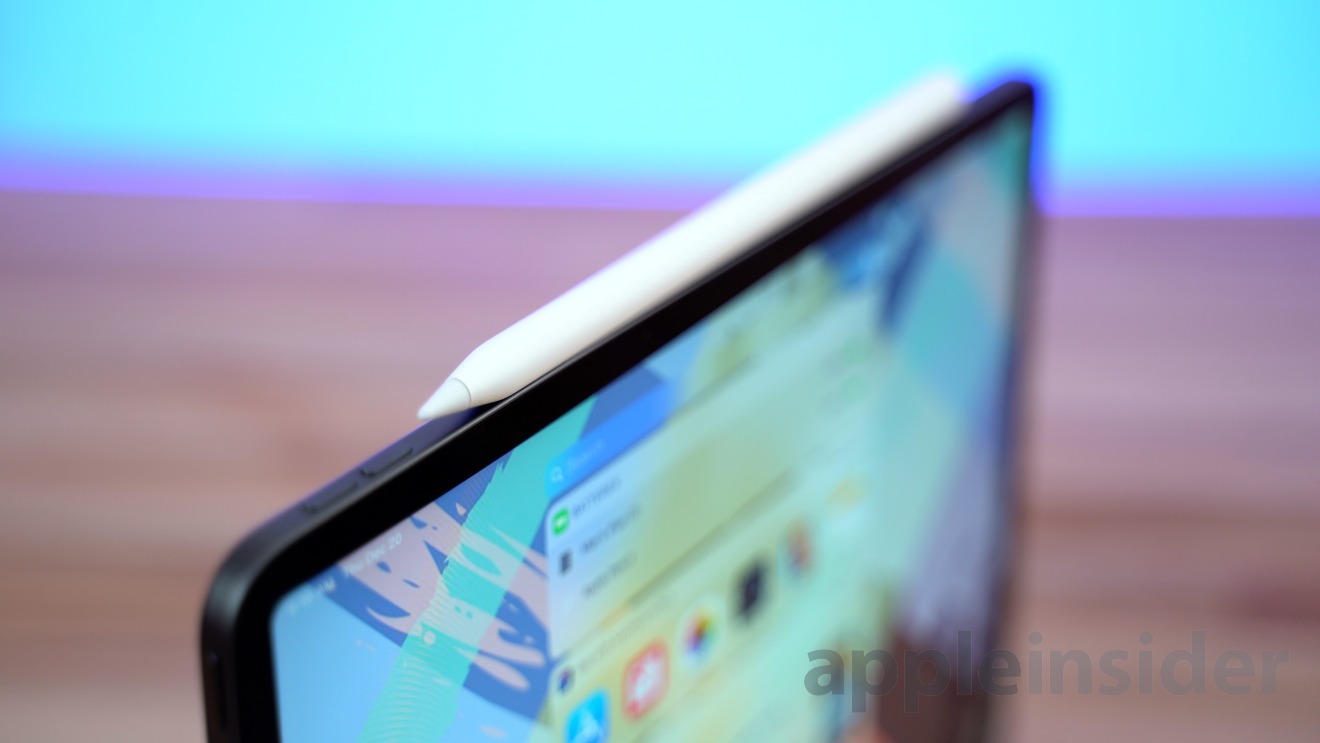
Steps:
Attach the Apple Pencil to the magnetic connector on the side of your iPad.
A pairing prompt will appear on the screen.
Tap Pair.
That’s it. Your Apple Pencil will automatically connect and charge whenever it’s magnetically attached.
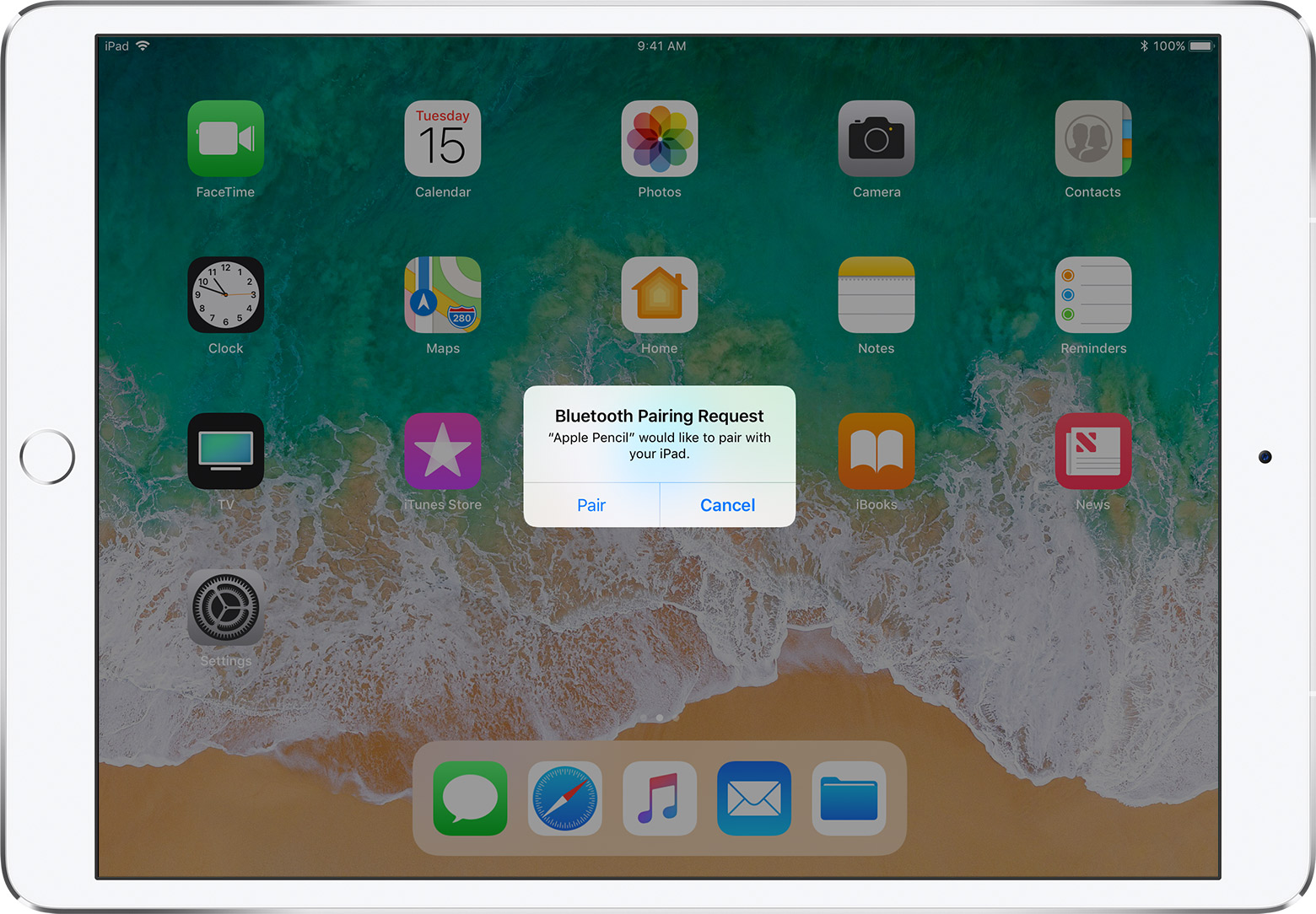

Steps:
Remove the cap from the Apple Pencil.
Plug it into your iPad’s Lightning port.
When the pairing request appears, tap Pair.
After pairing, you can unplug it and use it wirelessly.

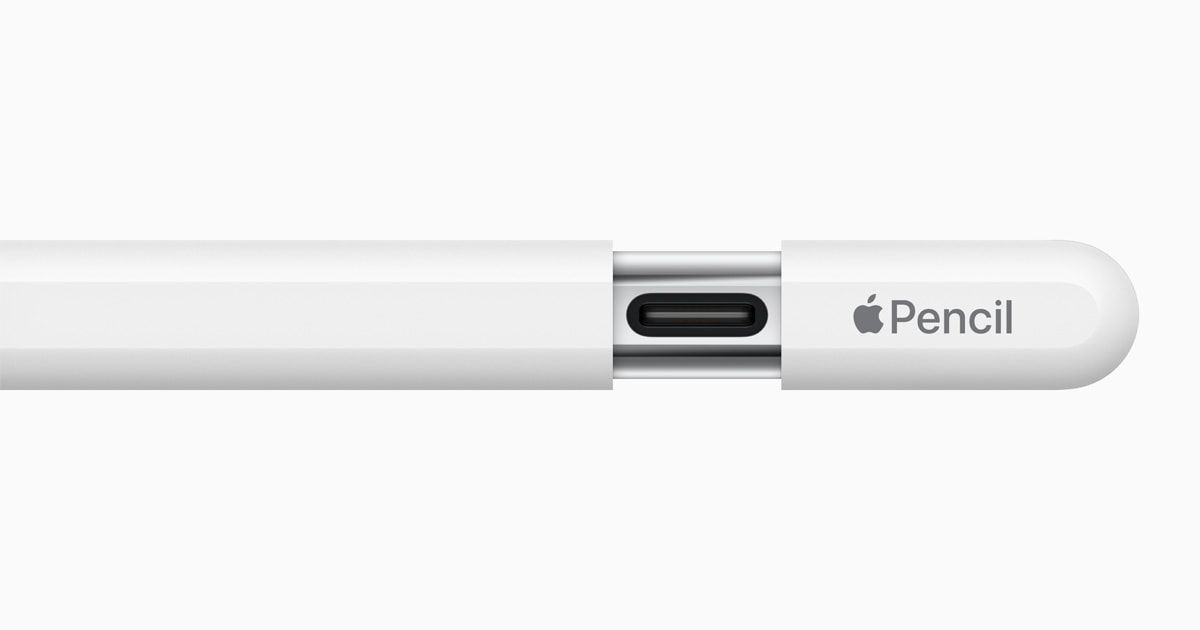

Steps:
Slide open the cap on the Apple Pencil.
Connect a USB-C cable between the Pencil and your iPad.
Tap Pair when prompted.
Once paired, you can disconnect the cable and start using it.
To confirm your Apple Pencil is connected:
Go to Settings → Bluetooth
Look for “Apple Pencil” under My Devices
You can also check battery status in the Widgets view
If your Apple Pencil isn’t pairing:
Make sure Bluetooth is turned on.
Restart your iPad.
Charge the Apple Pencil for at least 10–15 minutes.
Go to Settings → Bluetooth, tap the “i” next to Apple Pencil, and select Forget This Device, then reconnect.
If it still doesn’t work, make sure your iPad model supports your Apple Pencil version.
Connecting an Apple Pencil to an iPad is simple once you know the right method for your model. Whether you’re sketching, taking notes, or editing documents, pairing your Apple Pencil properly ensures a smooth experience.
If you found this guide helpful, check out more practical iPad tutorials on our tech blog.

Drop in to see us for device repairs or general advice seven days a week at 14 Home Street, Edinburgh EH3 9LY or give us a call on 0131 221 1117
We’re always here to help. Hex repair specialists are high-performing and trusted experts in the field of iPhone and other technology repairs. We only use genuine or highest quality replacement parts and always do everything that we possibly can to repair and restore your device, something many other repair centres can’t do or just prefer to sell you a new device.
Dex

© Copyright 2026 HEX Edinburgh. Computer & Phone Repair Center.


